Sonic System
Design system
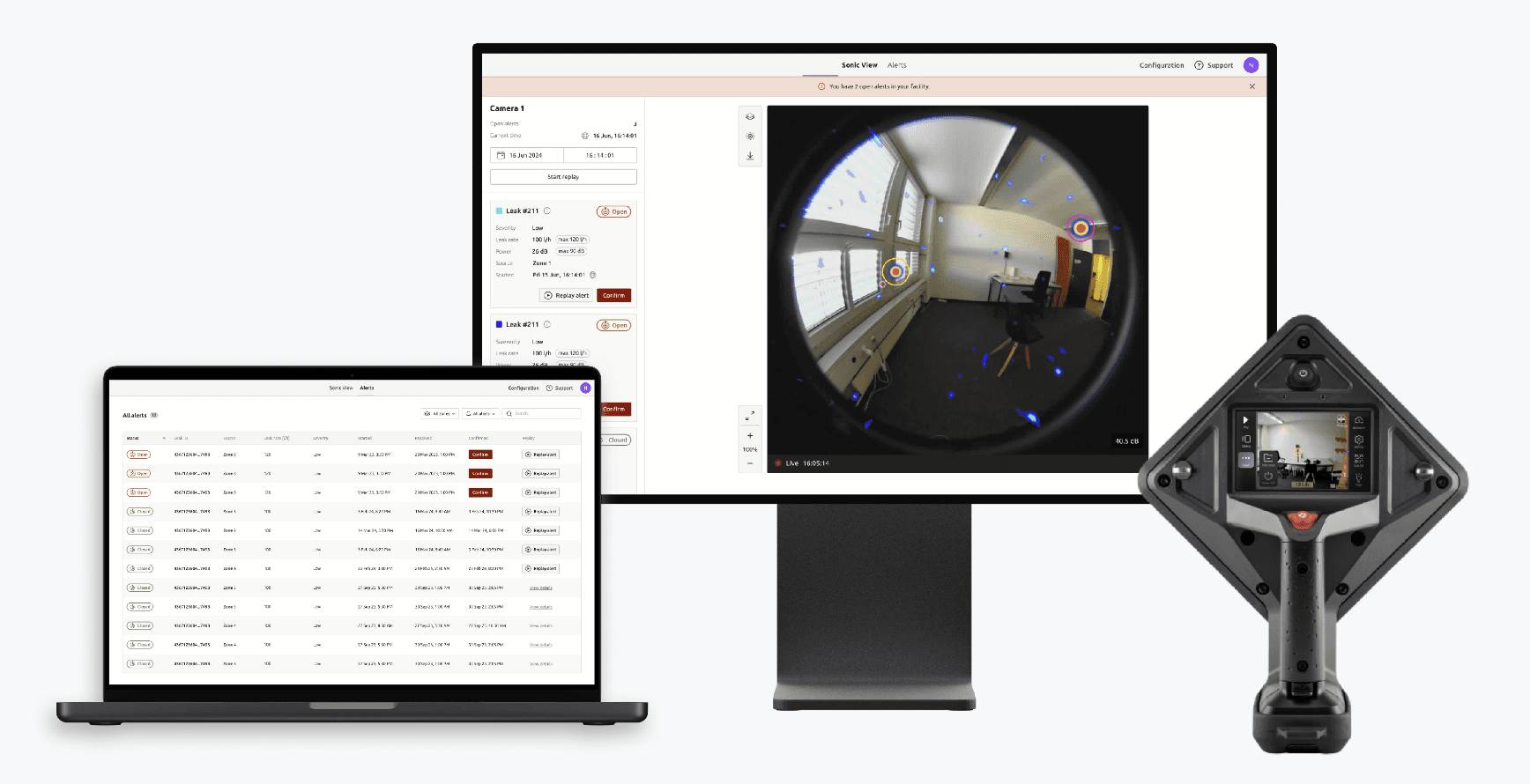
Sonic System is a design system for Distran's Ultra Pro and Fixed Detector cameras, created to help designers & developers in the team improve their work process with a consistent design language, resources and guidance, to deliver high quality products at scale. The design system lays the foundation for Distran's current and future products.
UXR
To provide the necessary guidance to onboard colleagues, we interviewed different people to understand what they hope to achieve through the design system.
UX Designer
Difficulty to Illustrate to client what their request would look like. A design file with components and layouts available would speed up the process of creating a conceptual mockup.
Software developer
A consistent library of assets that sets a visible standard helps built consistent products and receive design guidelines and requirements for implementation, so implementation doesn't follow wrong design assumptions.
CTO
Reducing redundant design cycles and working more structured and efficiently within an organised system that saves time and cost.
Team Lead
Product iterations can be more informed, mockups can be build quicker and design information can be collaboratively shared across the team.
User Needs
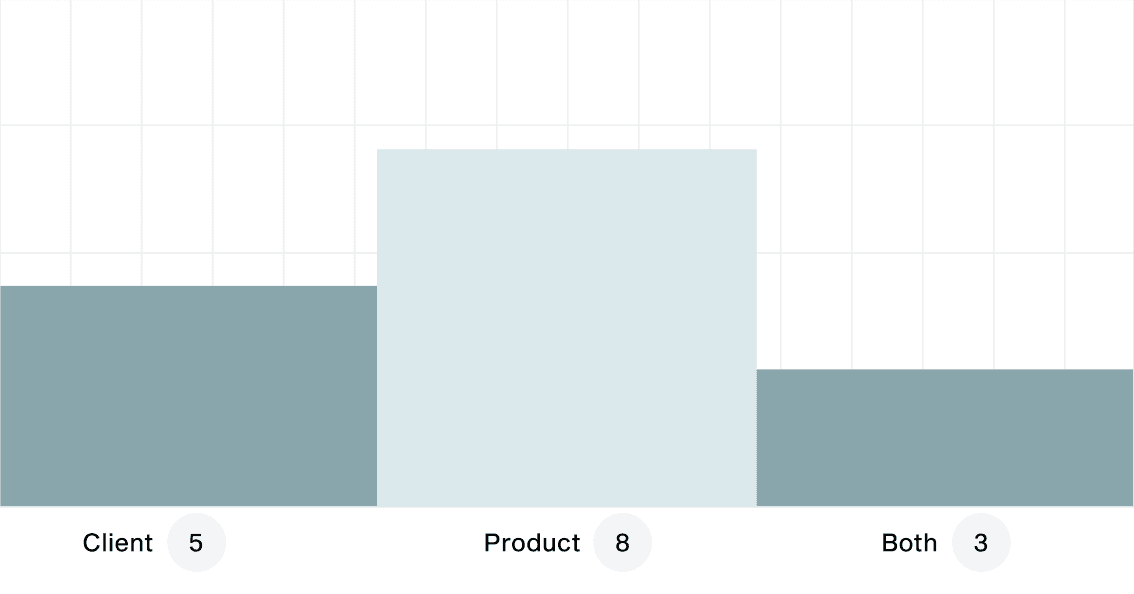
This research phase gave us more perspective of the team, its work methodologies, pain points during projects, analysis of time consumption, and previous experience using libraries or systems.
working for product or client?
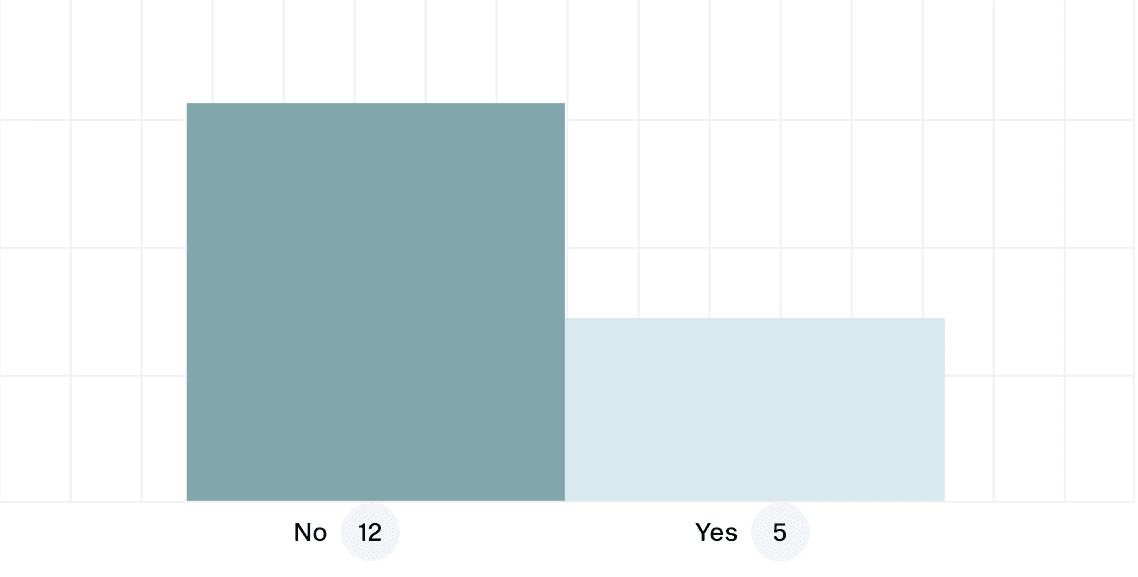
Used a design system before?
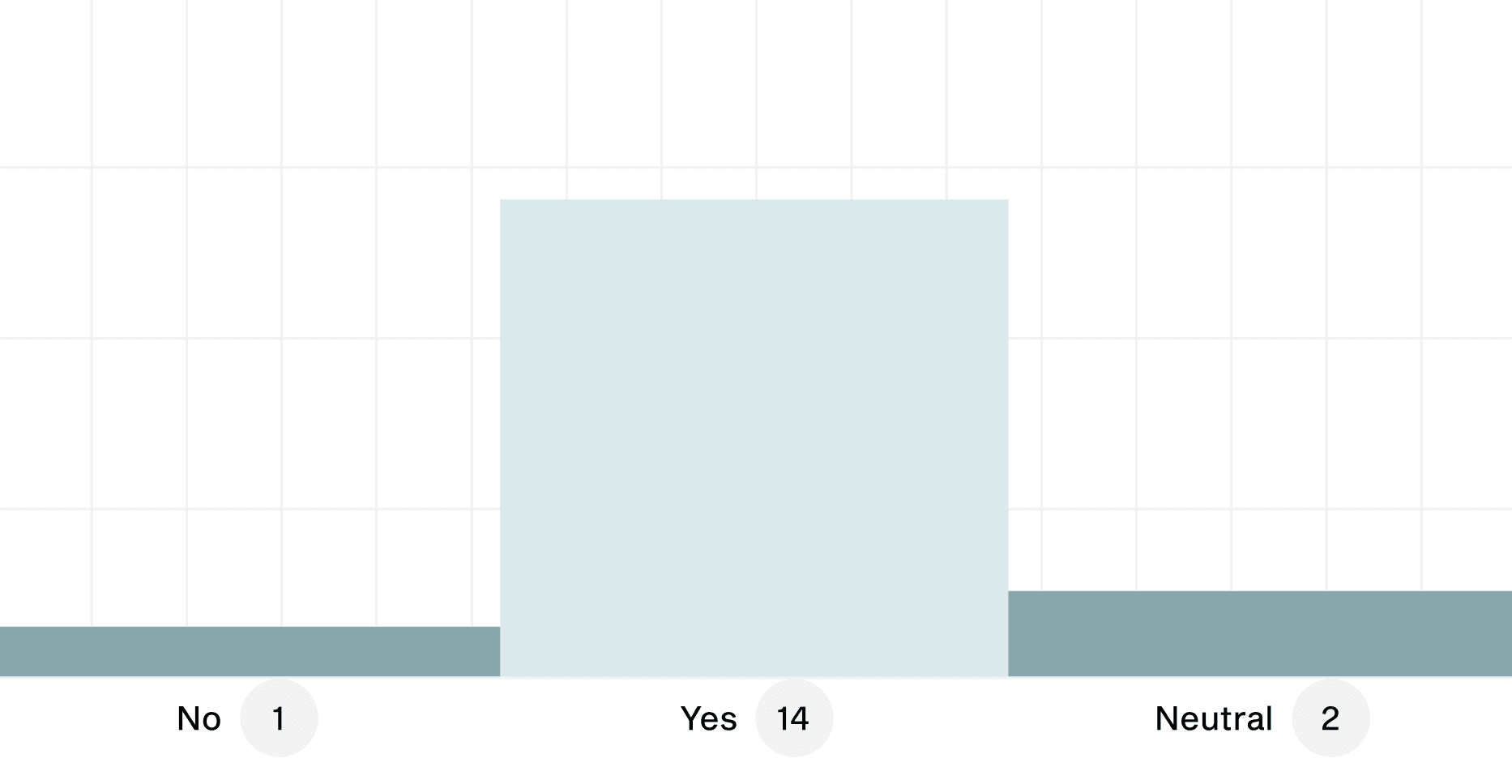
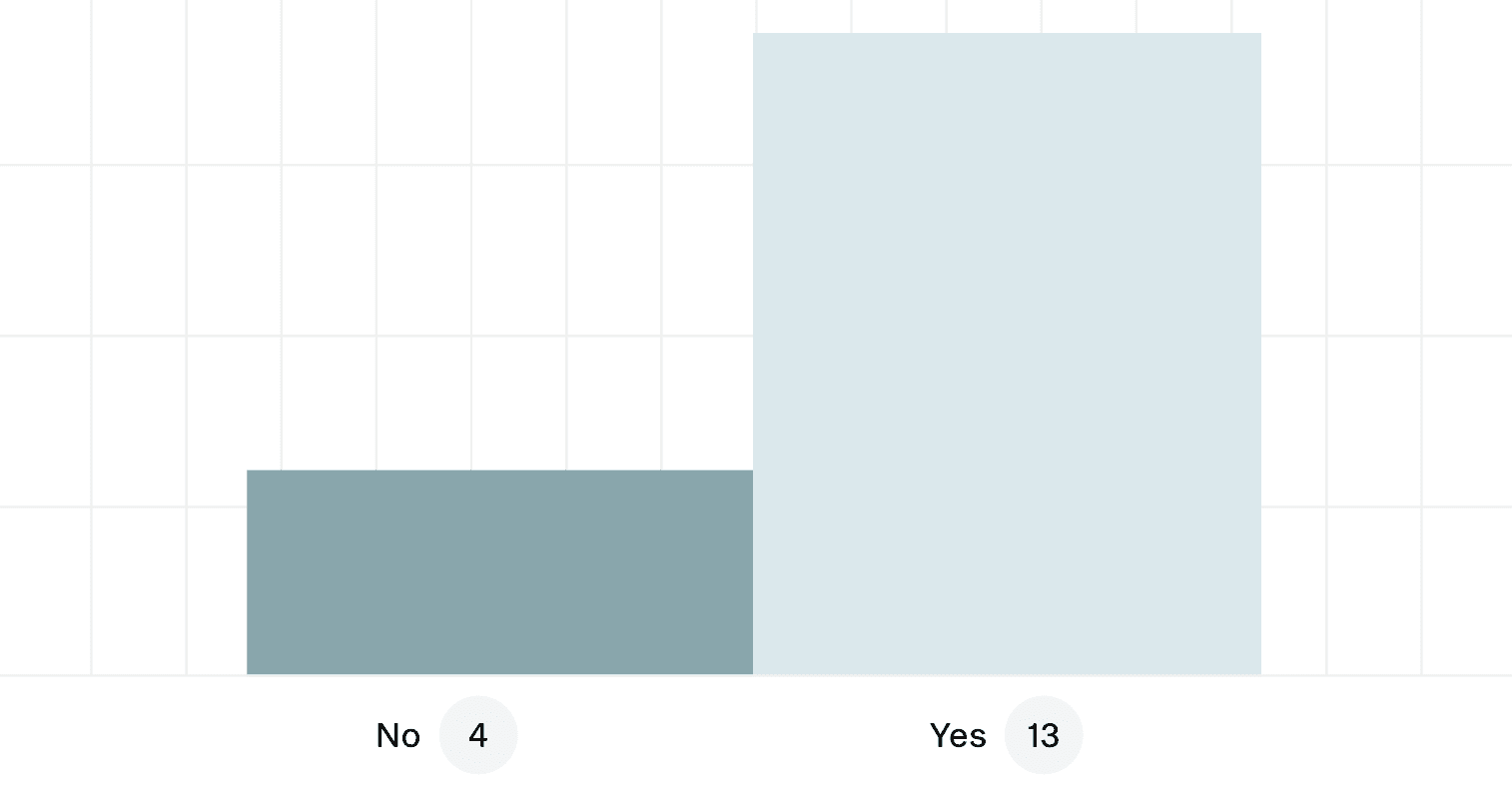
Would a DS help your work process?
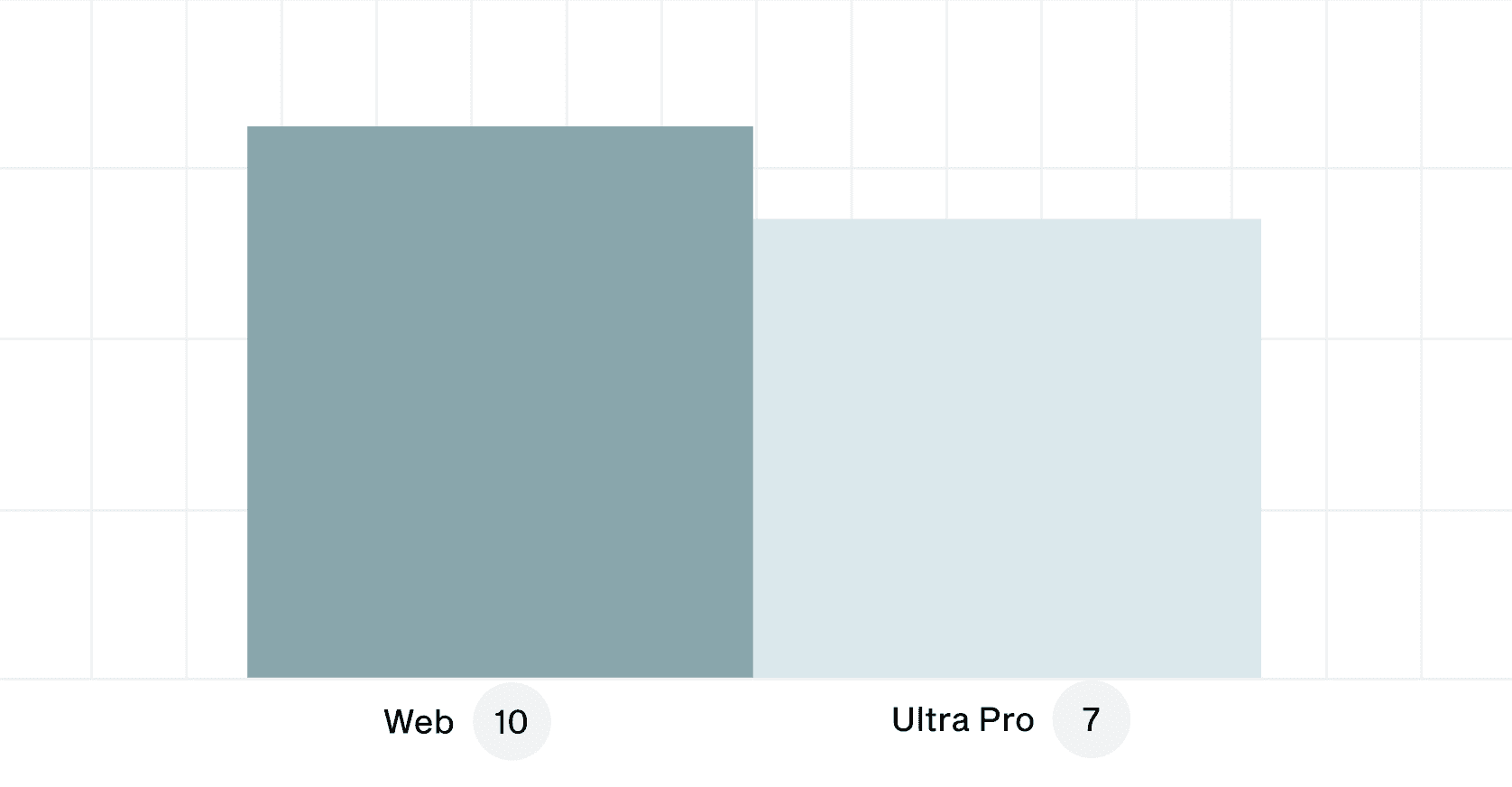
Most demanded platforms in project?
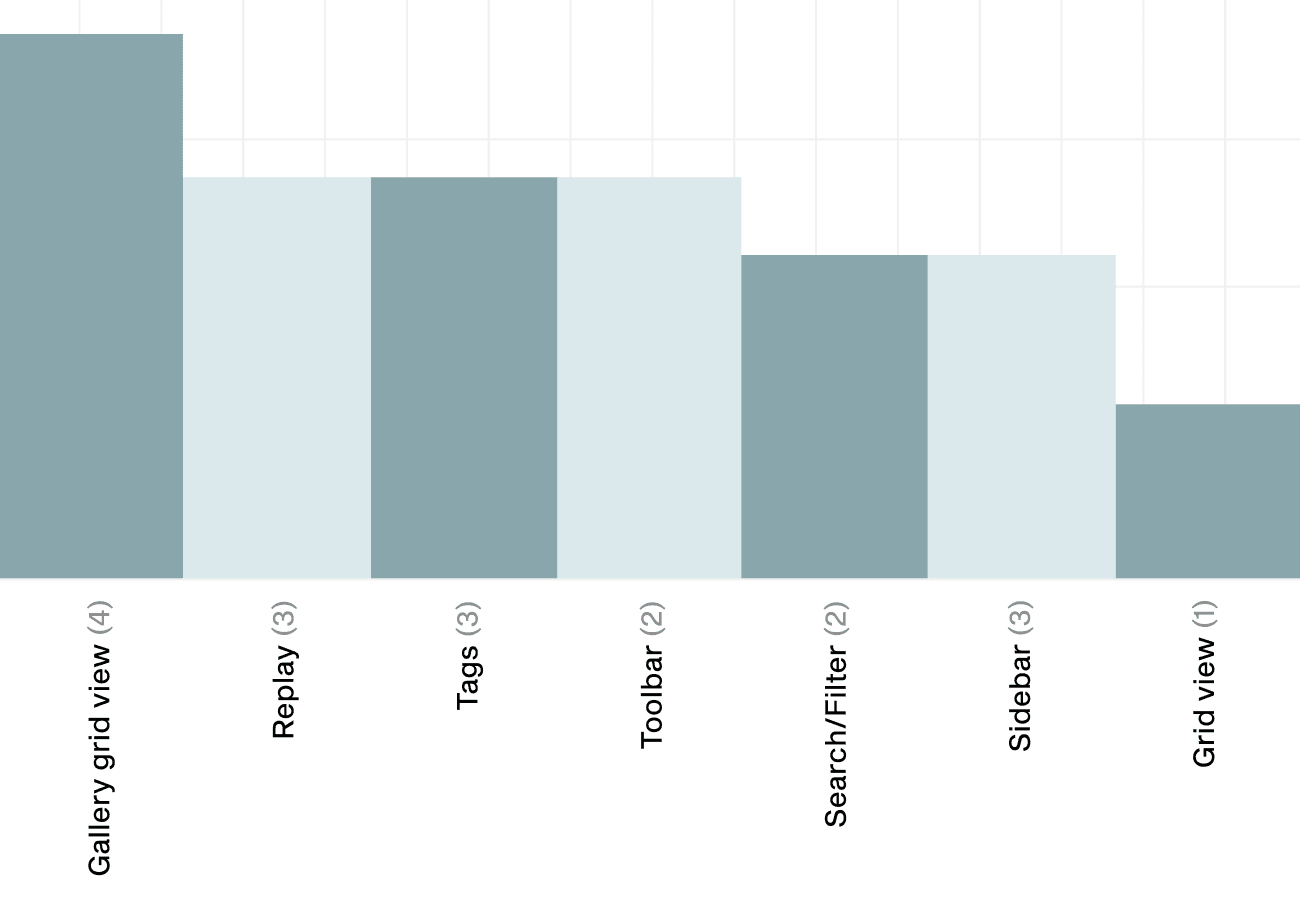
Screens that take most time in projects?
Most demanded platforms in project?
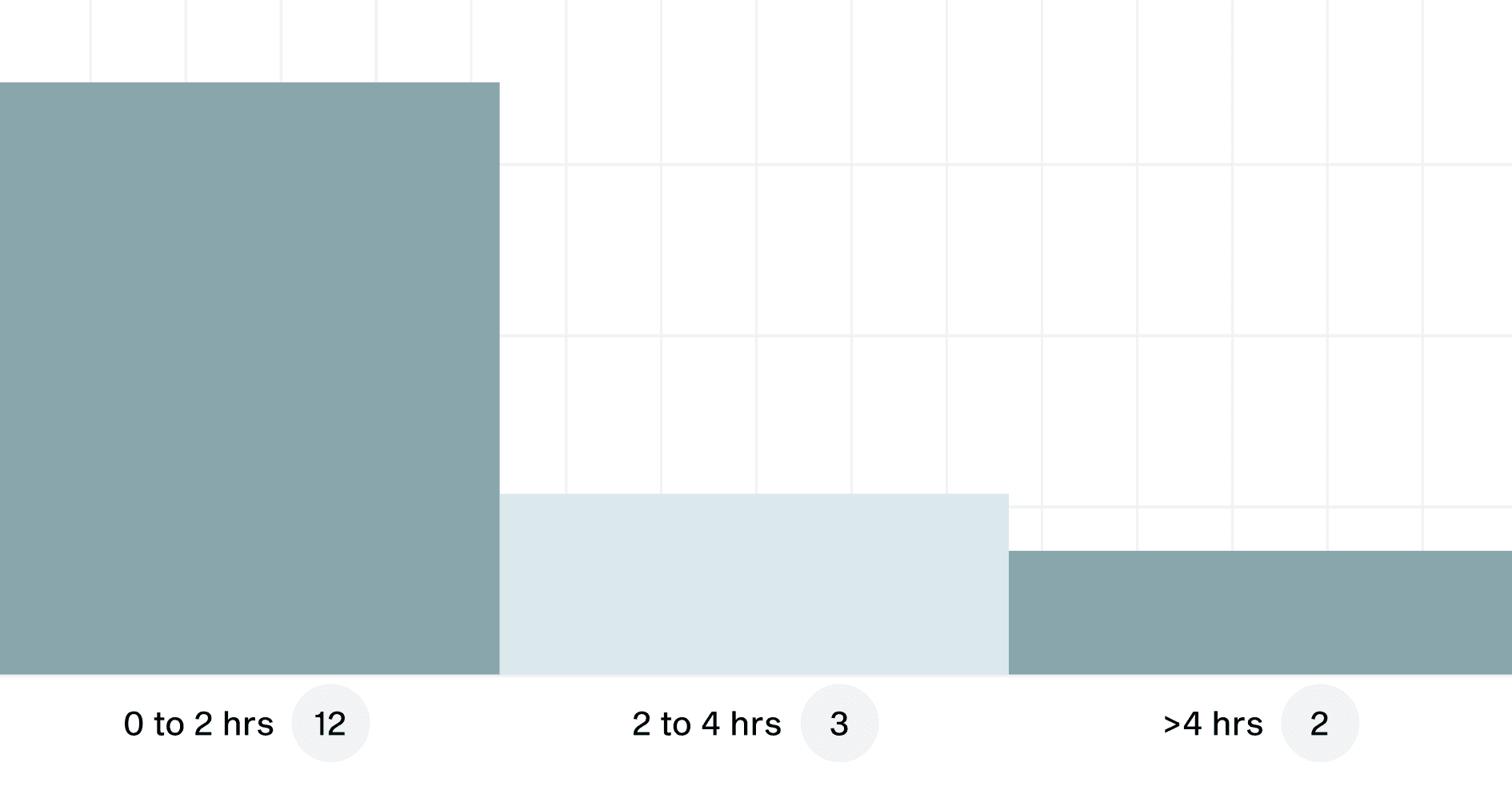
Time per week writing documentation?
System definition
Defining the design system
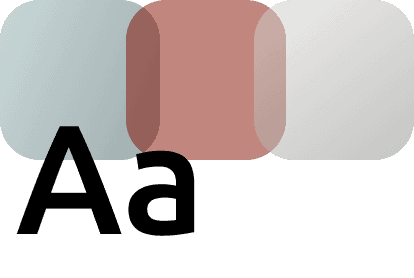
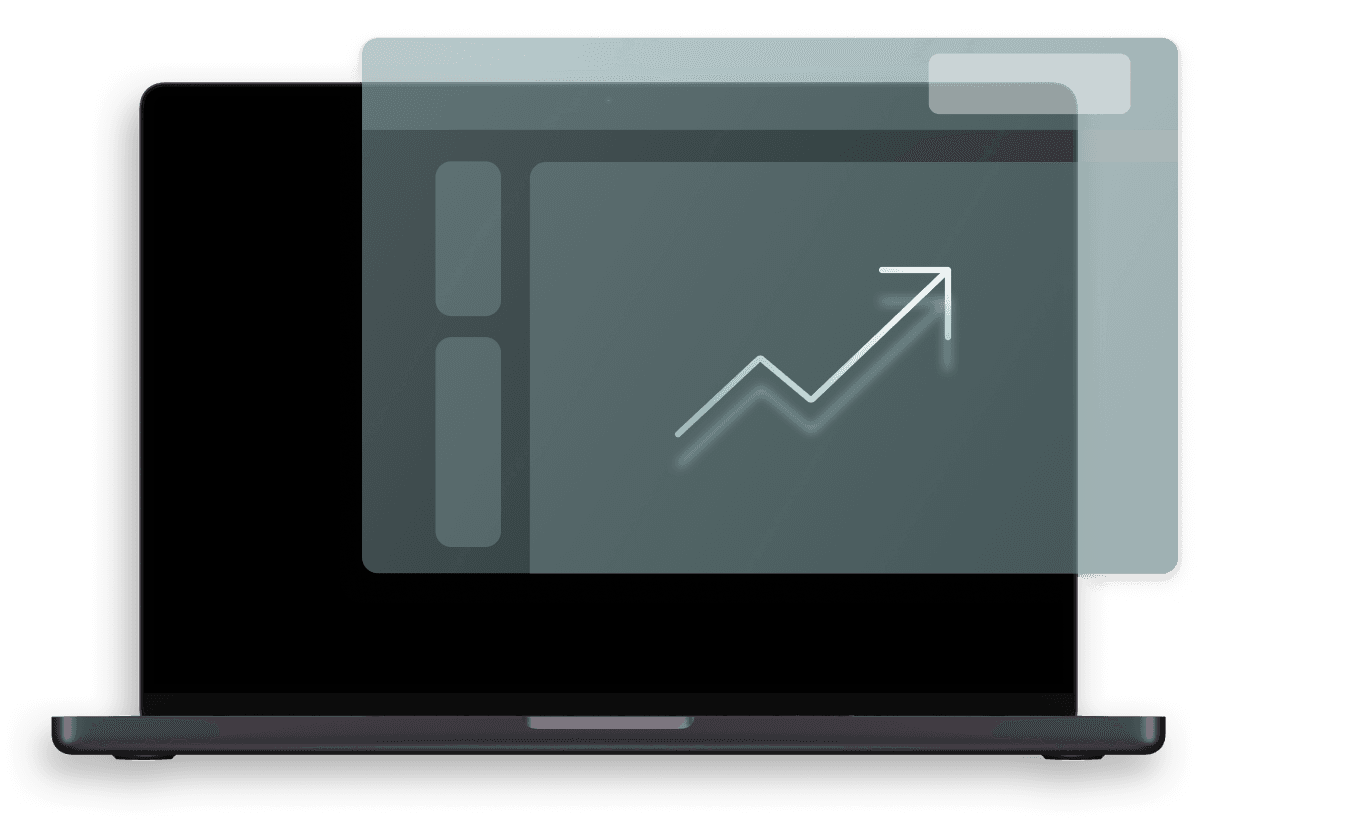
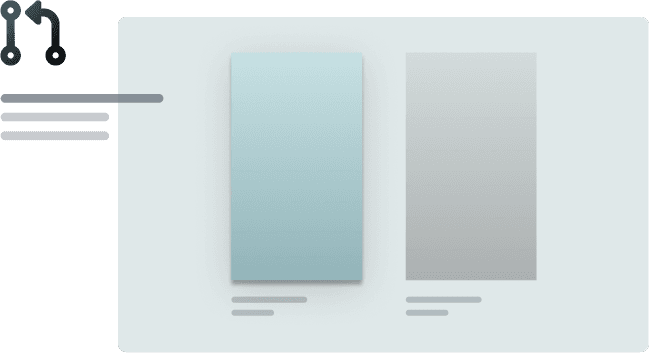
The Fixed Detector Web UI allowed us to start fresh with components, colours, and type. For the Ultra Pro, we had to extend and modernize the interface while preserving the familiar design customers already knew.
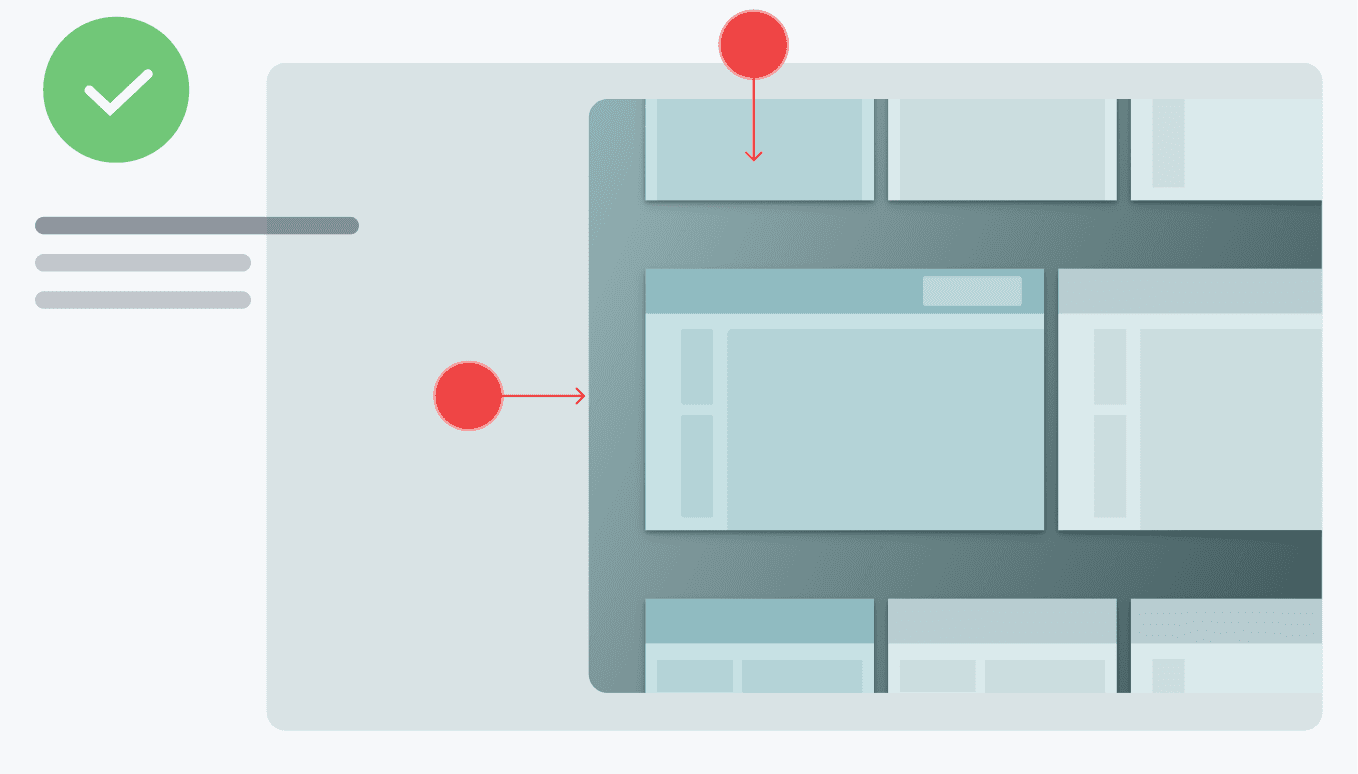
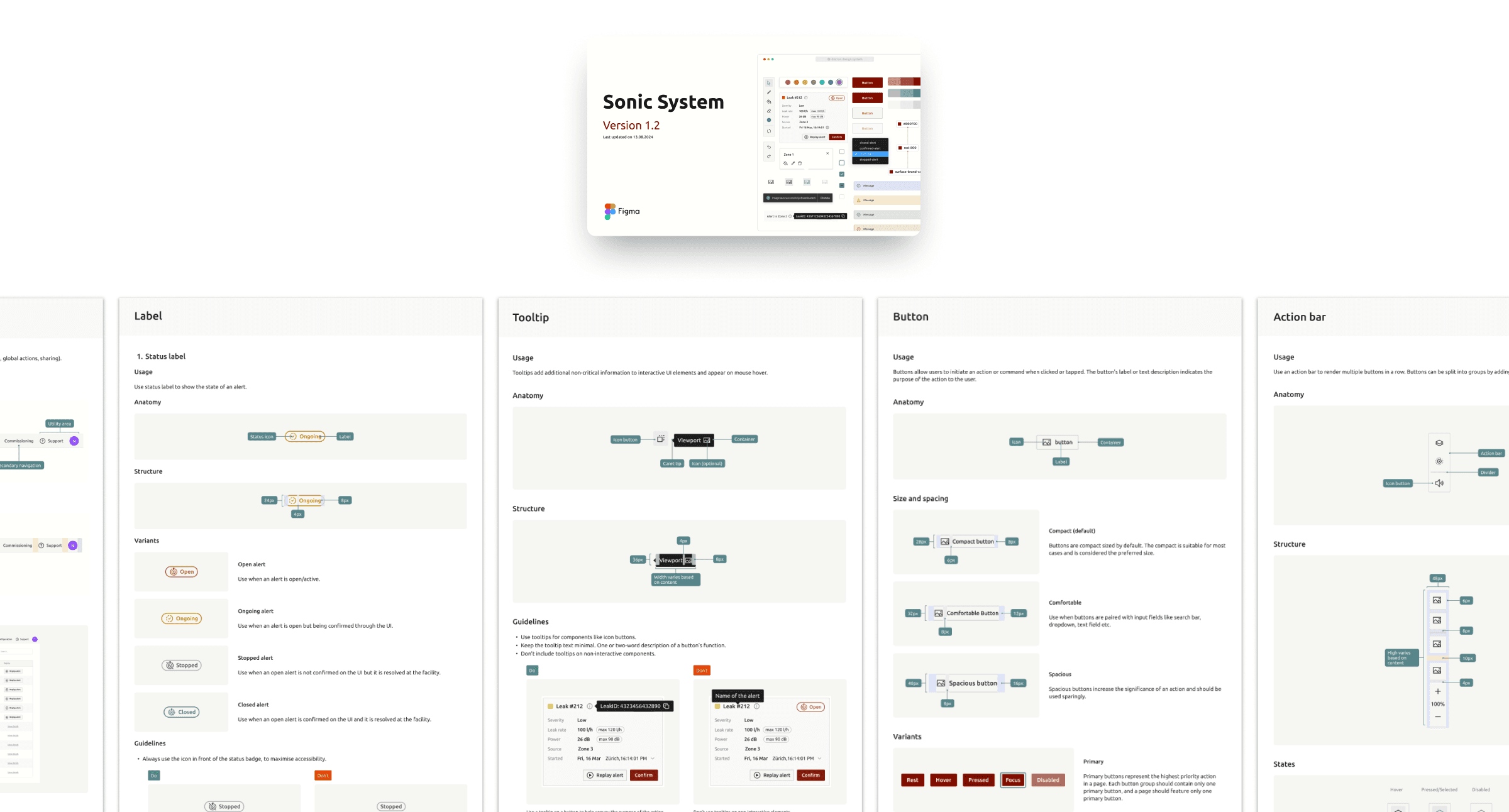
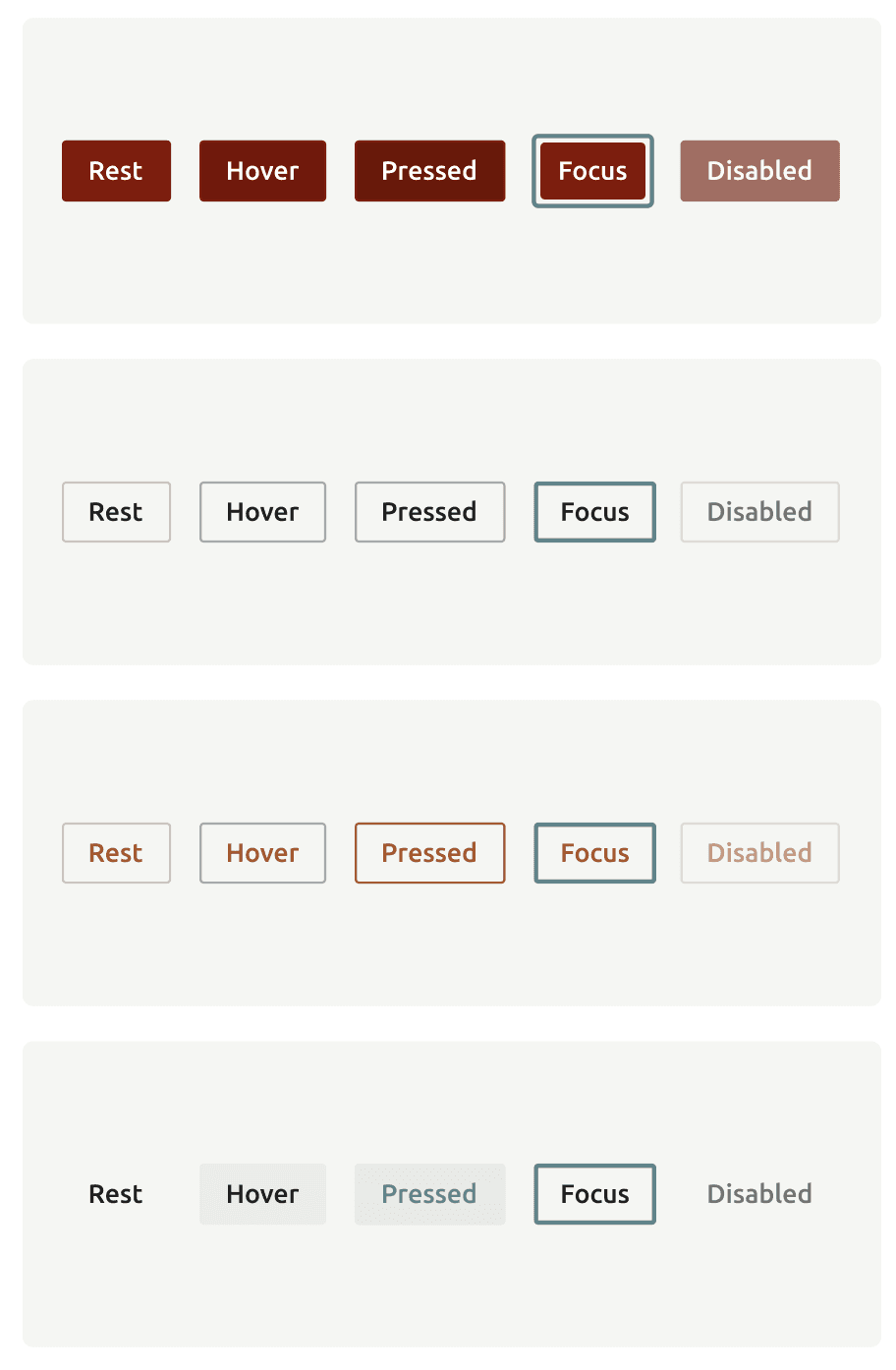
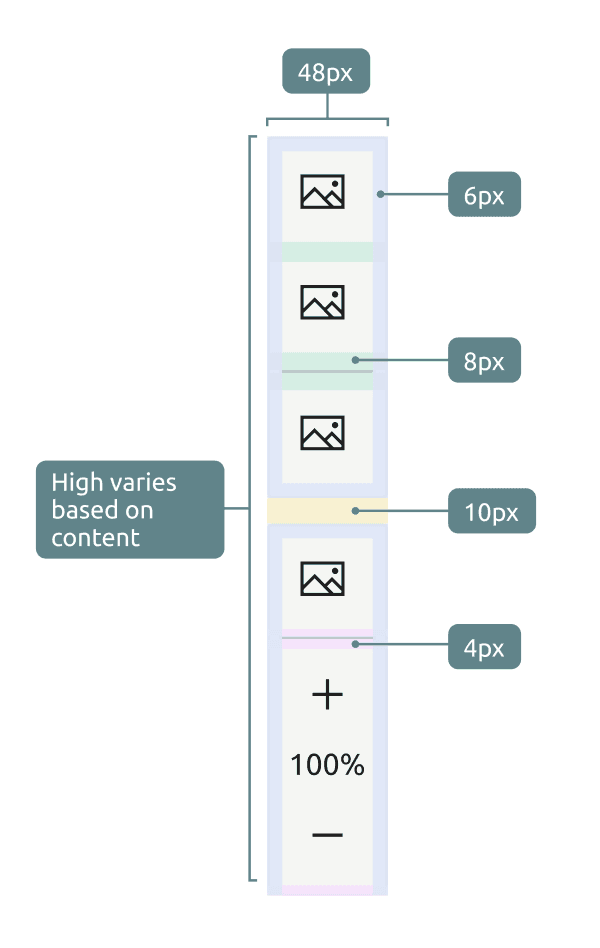
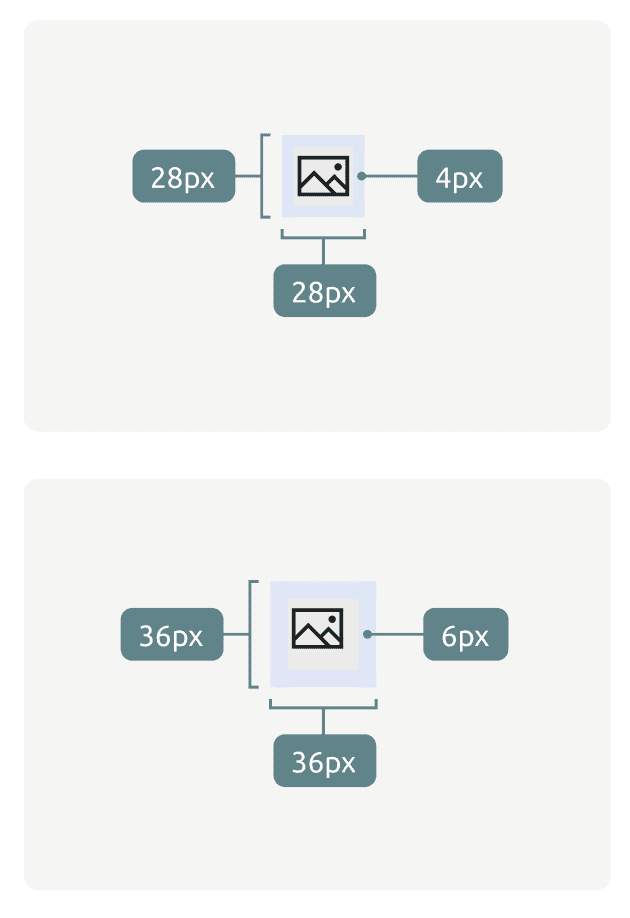
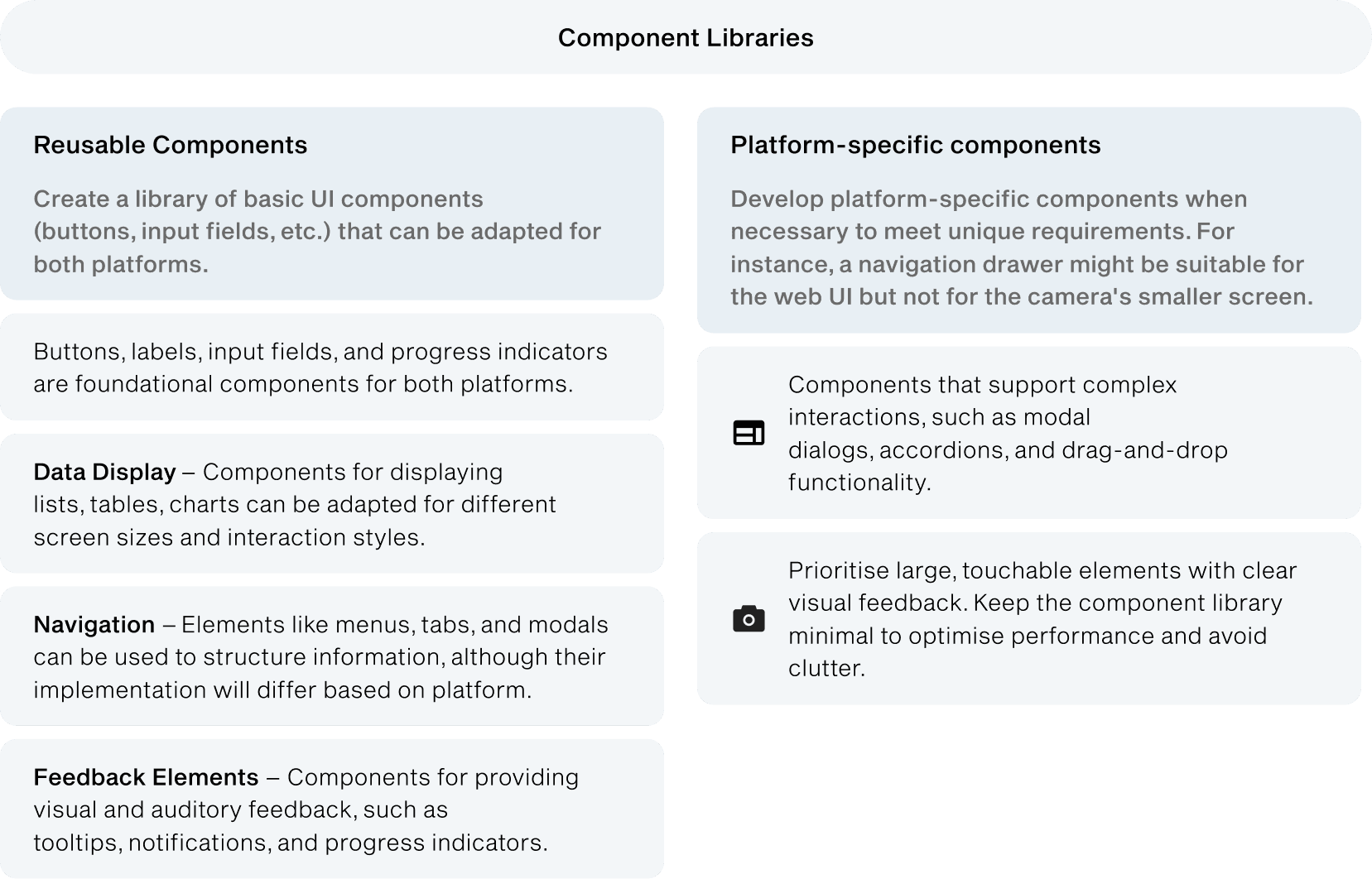
Components were first be released and documented in Figma, then implemented via Storybook. We moved from Notion to Figma for better design-specific features and seamless integration with dev tools. The library includes components, layouts, templates, and interaction patterns.
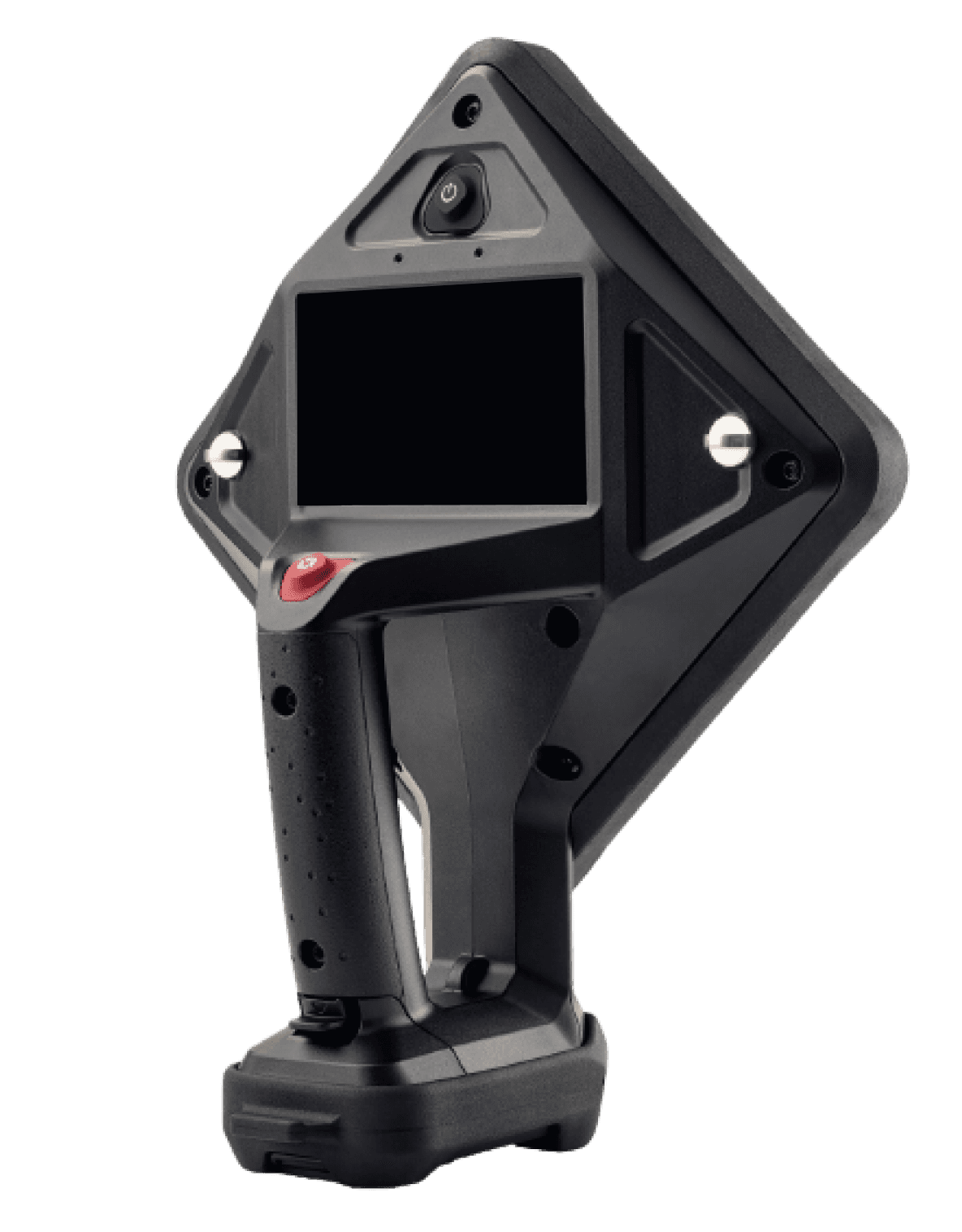
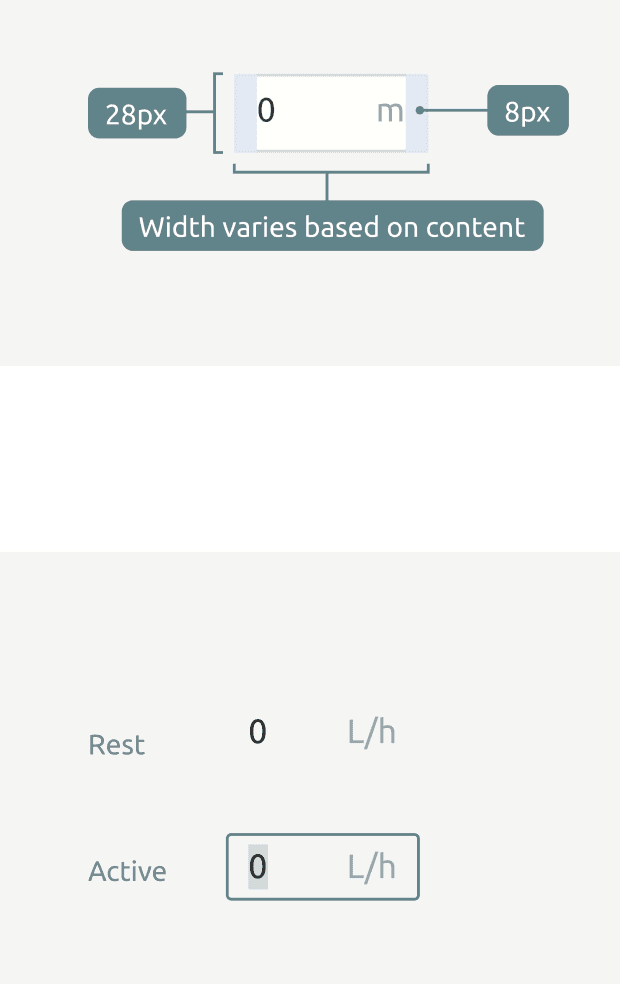
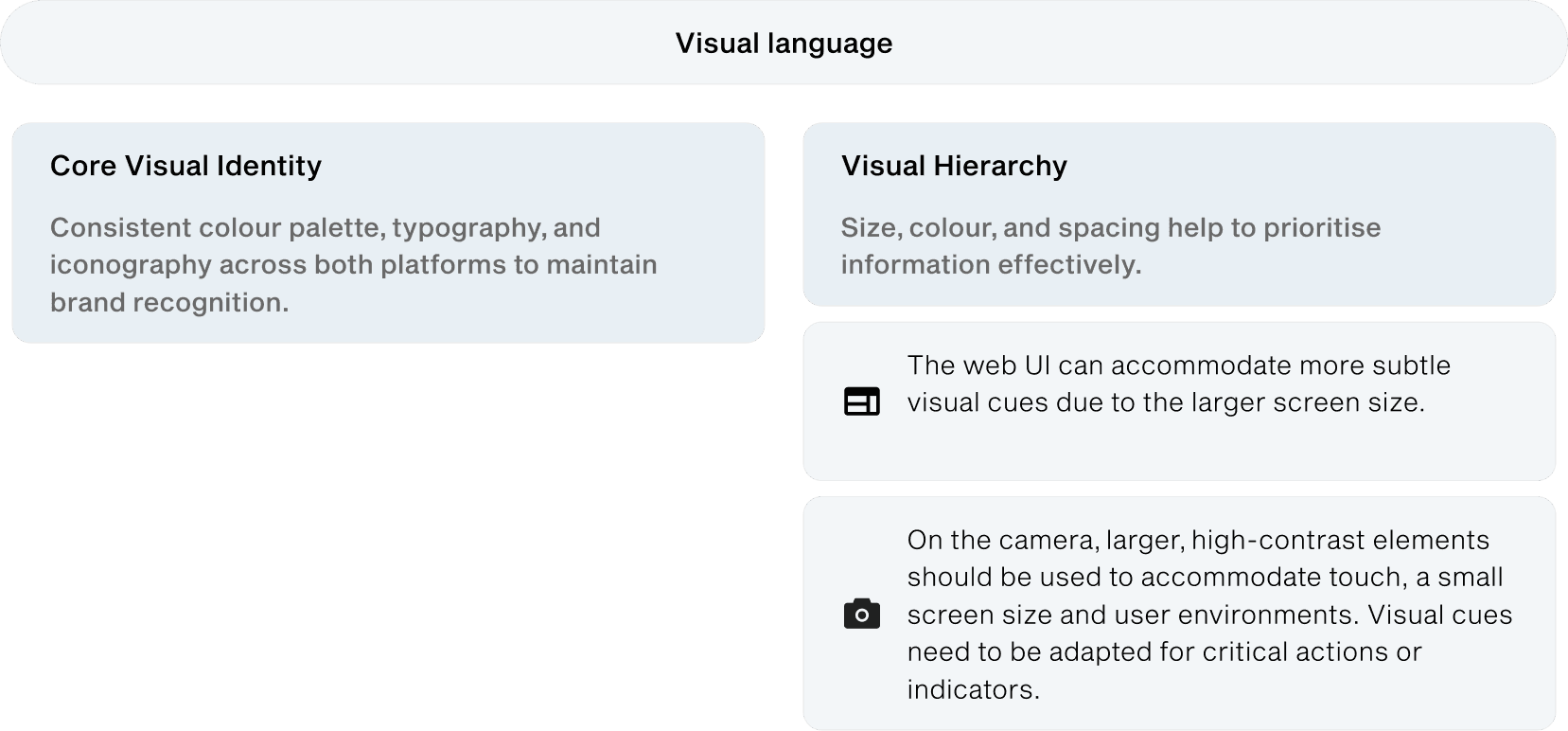
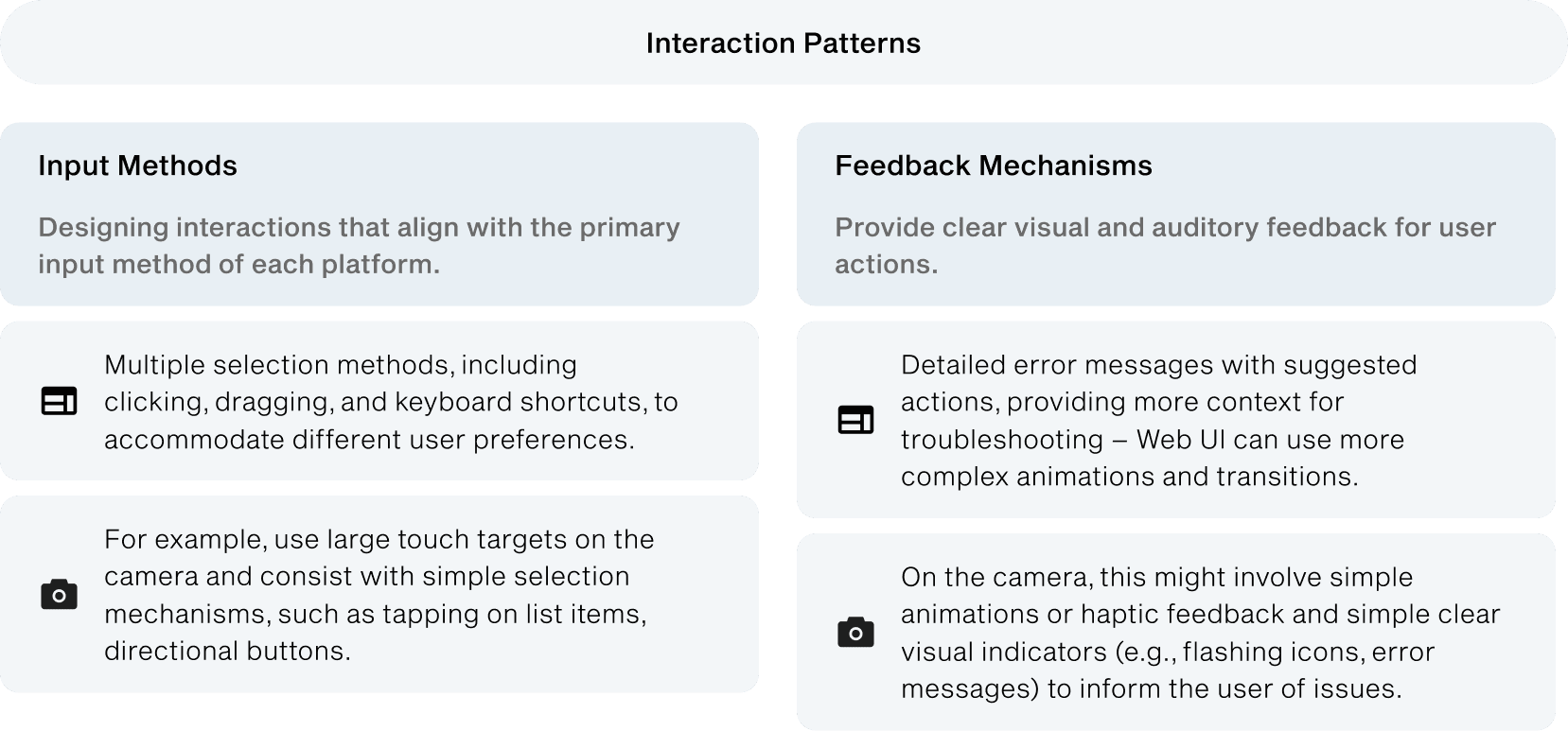
Our components are dynamic and adaptable to user needs. Designing for both web and embedded systems like the Ultra Pro involves creating core visual and interaction patterns that work across platforms while accounting for each platform’s strengths, limitations, and input methods.
Design process
Libraries design process
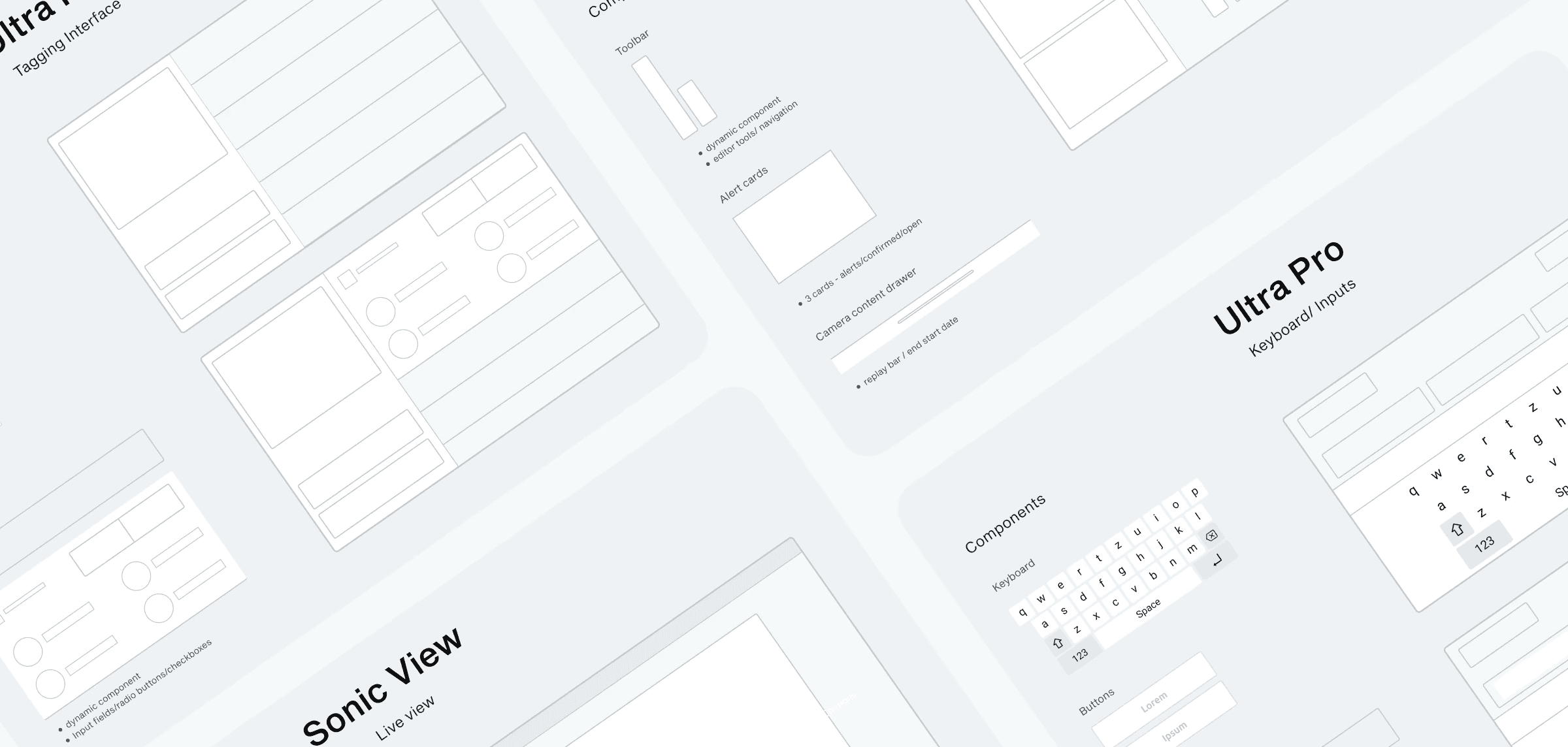
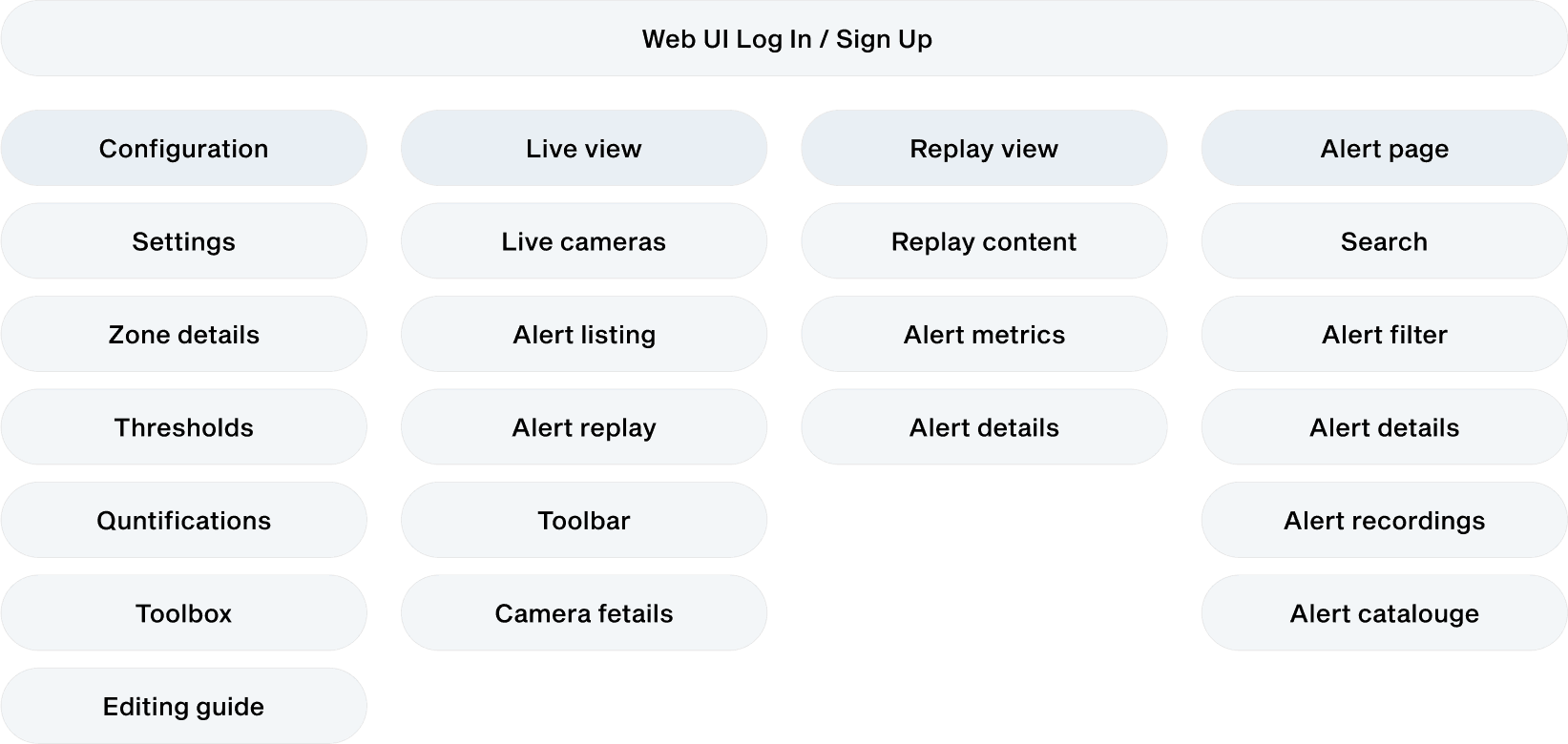
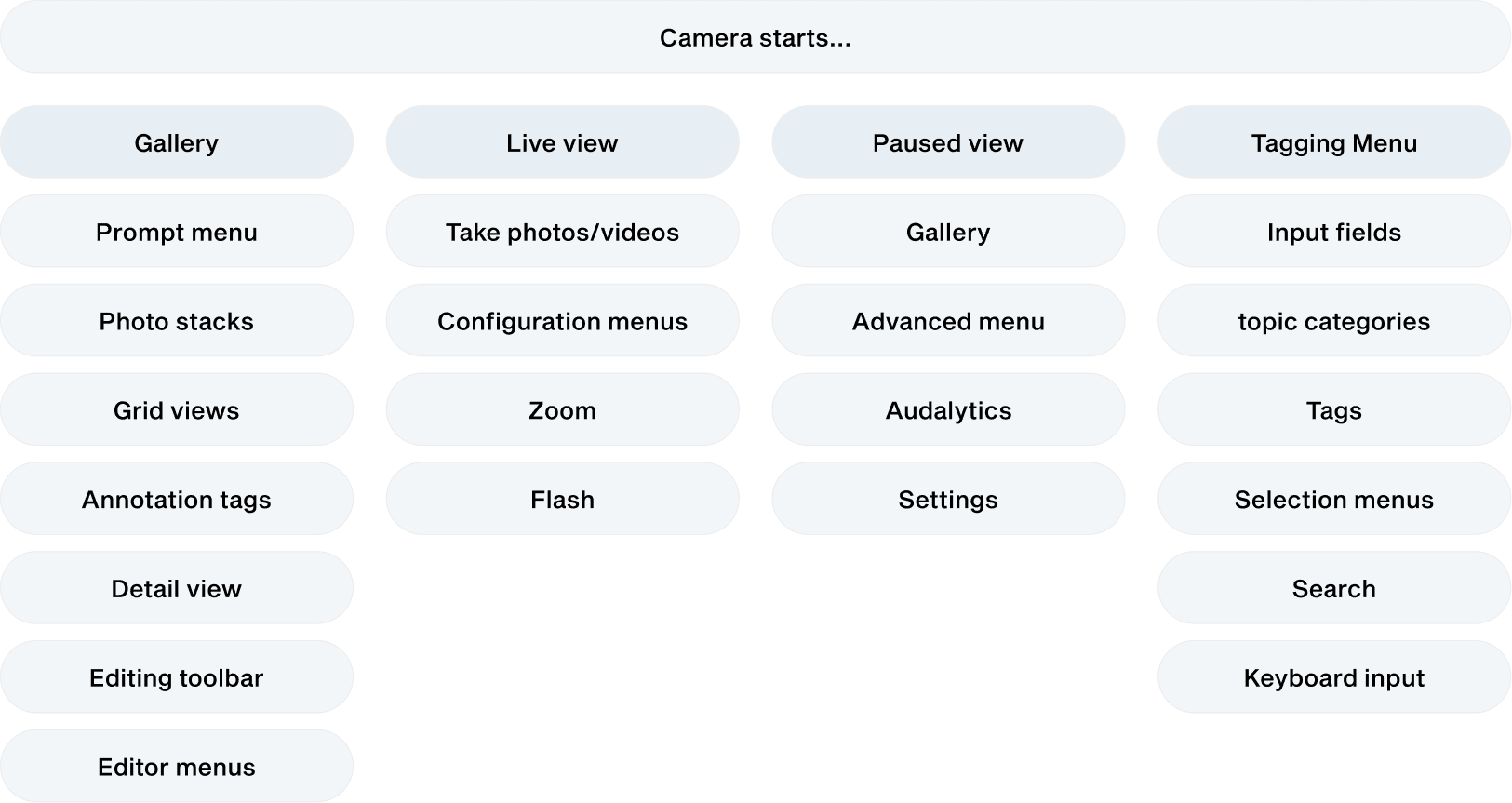
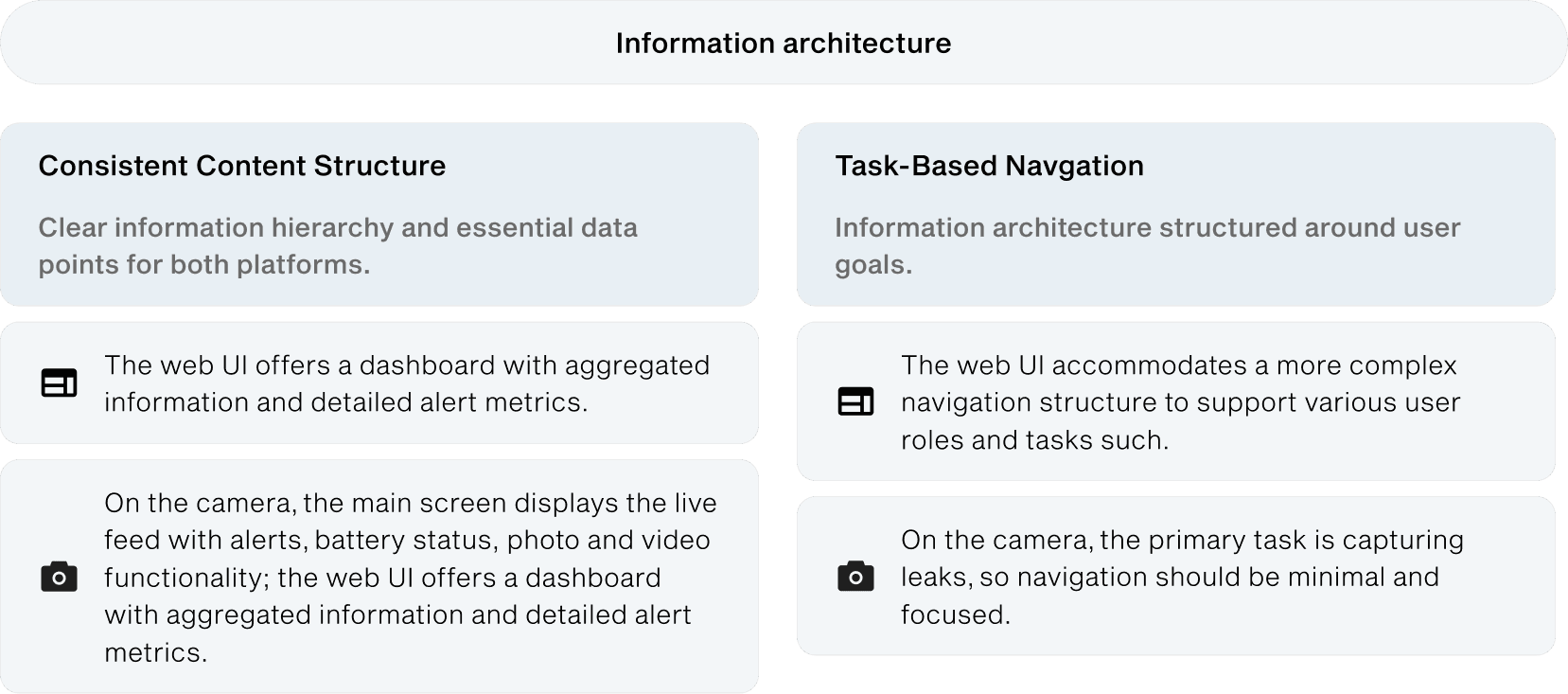
Before starting any design, we first defined both products and identified the components and patterns needed for each platform. We began by working through the Information Architecture with the team, then wireframed the app screens to list all components and patterns. After reviewing and approving the wireframes and findings with the team, we discussed the best structure and workflows in Figma.
System definition
Anatomy of a component library
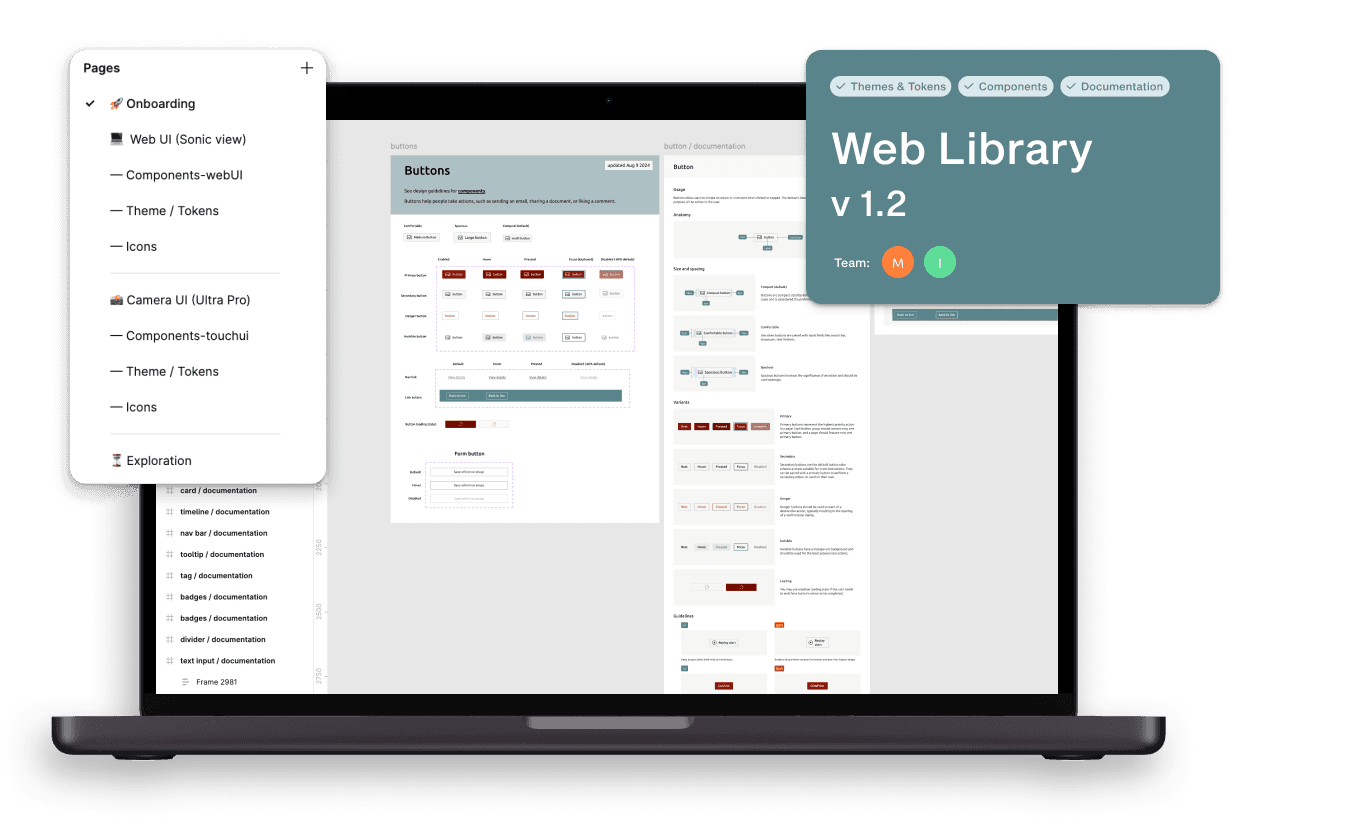
To improve component library usage, we agreed on the following structure: a cover showing platform, version, team, and status; Getting Started guidelines for designers and developers; Theme/tokens with documentation; designed and documented components and patterns with usage tips; and an exploration area for new or in-progress components.
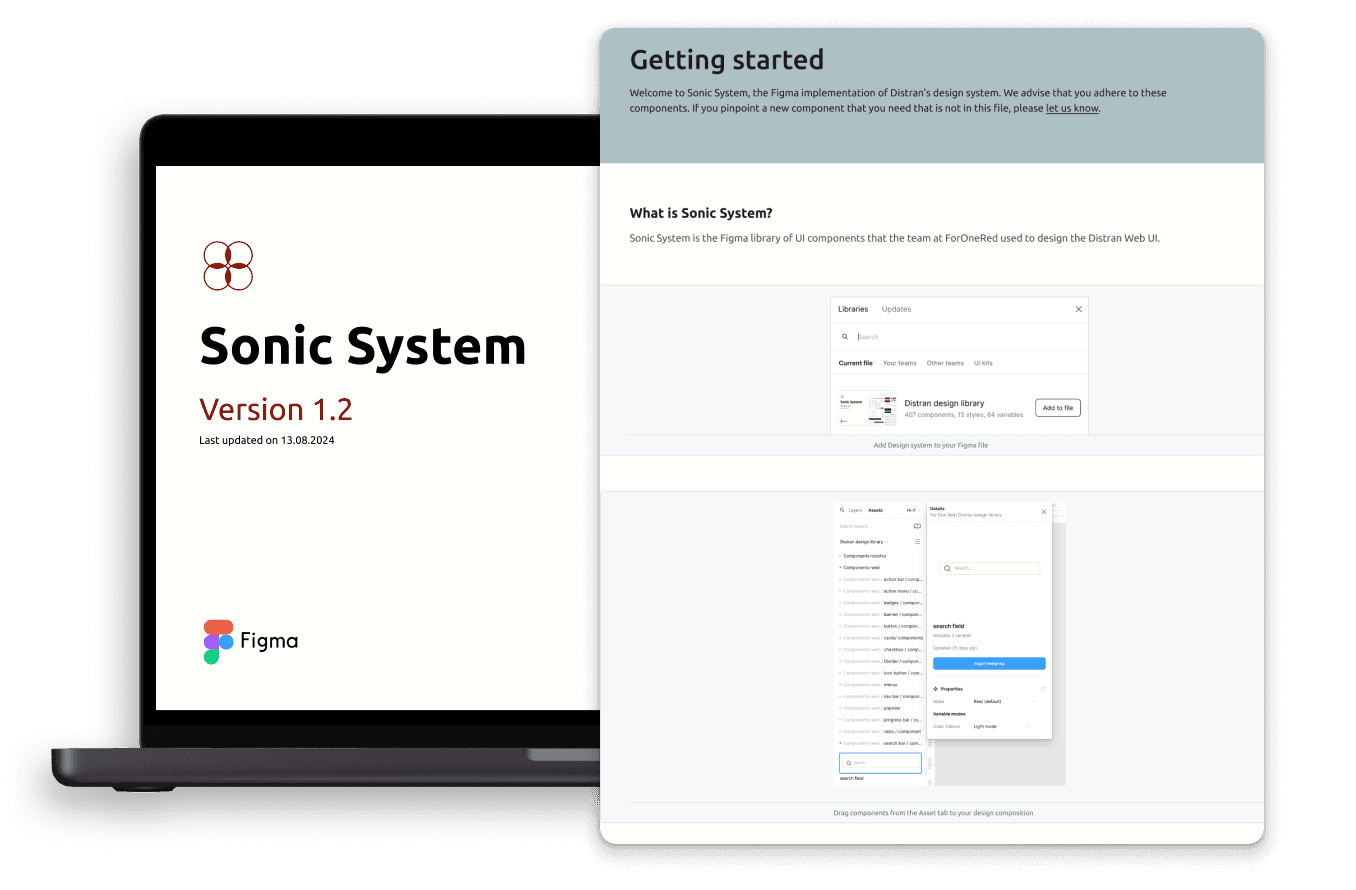
To support adoption of the design system, we created this team structure in Figma: Onboarding for designers and developers with examples and guidelines; workflows for using the design system; product areas with component libraries and use case examples; and an exploration and analysis area for ideas, in-progress designs, and feedback.
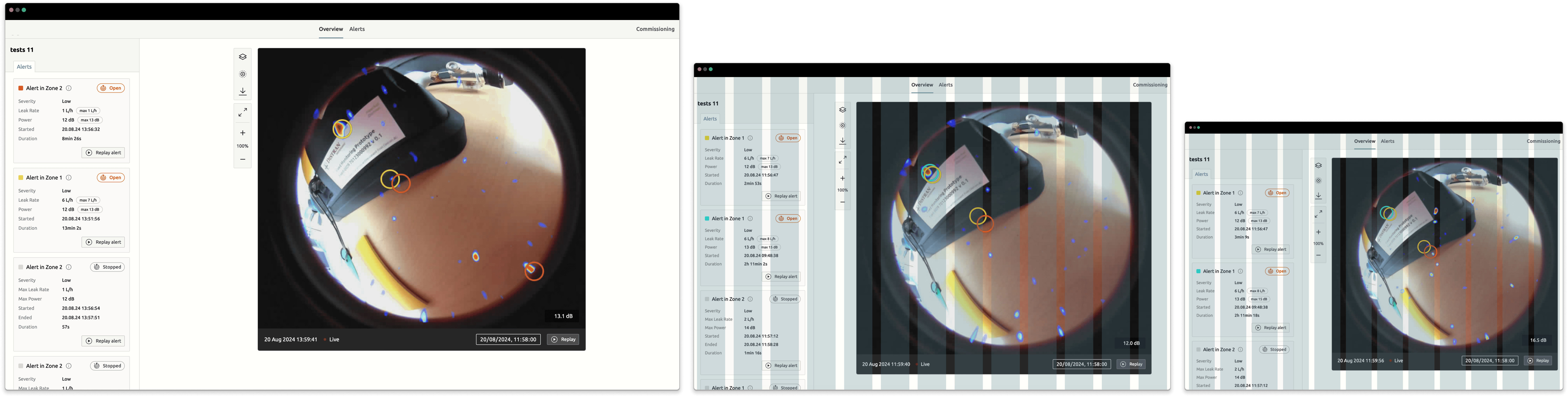
Dynamic design and grid systems. We focused on making every aspect dynamic to enable fluid design, and provided grid systems to guide users in adapting components to different resolutions.
Protoypes
Design System Demo's
A robust design system with shared components, styles, and guidelines keeps consistency while respecting platform-specific conventions. It ensures a seamless, cohesive experience across devices. Below are Web UI prototypes showing the system in action.
impact & Next sTEPS
The first results are promising: A single designer can now handle design deliveries within less time, meeting deadlines without stressing nor loosing quality.
The design system has shortened onboarding, letting new employees take responsibility faster. Libraries, documentation, and guidelines have improved quality and reduced bugs. It also enables fast prototyping for client pitches. We’ve laid the foundation and will continue expanding the system, adding resources, foundations, and case studies.